
Using Team Inbox in Linq Zero
Team Inbox lets your organization admin see and manage conversations in one place. It’s perfect for shared follow-up, coverage when people are out, and coaching newer reps.
What is Team Inbox?
Team Inbox is a shared view of all user inboxes in your organization. From here you can:
-
See which customers are messaging which teammate
-
Open and reply to conversations “as” that teammate
-
Use AI suggestions and message snippets
-
Send texts, images, files, and voice memos
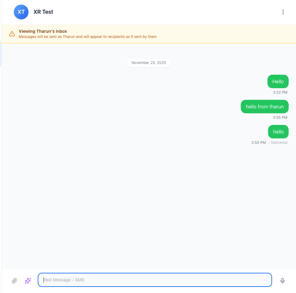
Messages sent from Team Inbox are delivered as if they were sent by the original user whose inbox you are viewing.
How to Access Team Inbox
-
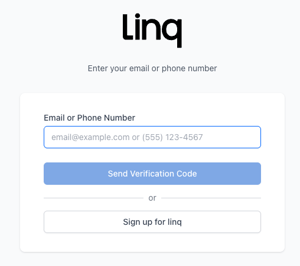
Go on your browser to zero.linqapp.com and sign in.
-
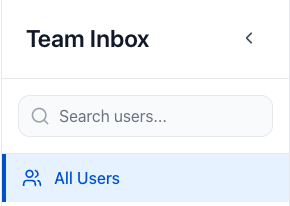
In the left-hand menu, click Team Inbox.

-
You’ll see three main columns:
-
User list (far left)
-
Conversation list (middle)
-
Active conversation (right)
-
When to Use Team Inbox.
Team Inbox is especially helpful when:
-
Covering for teammates who are out of office
-
Supervisors jumping into conversations to help or coach
-
Shared books of business, where multiple reps support the same customers
-
Support or success teams who need visibility into each other’s threads
Currently not available on mobile app