How to Set Up and Use the Linq Dialer in HubSpot
You can make calls from HubSpot using the Linq integration by going to a contact’s page.
-
Go to a contact page → click, “Call,” → click, “Open call options,” → click, “Change Provider,” → Select, “Linq One.
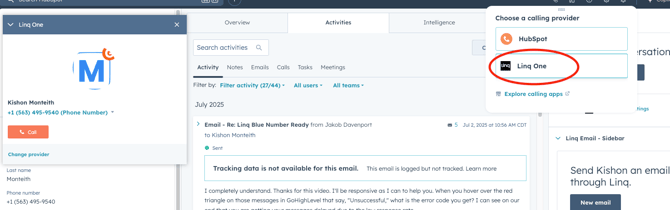
- Linq One allows you to send SMS texts, Linq Blue allows you to send iMessages
-
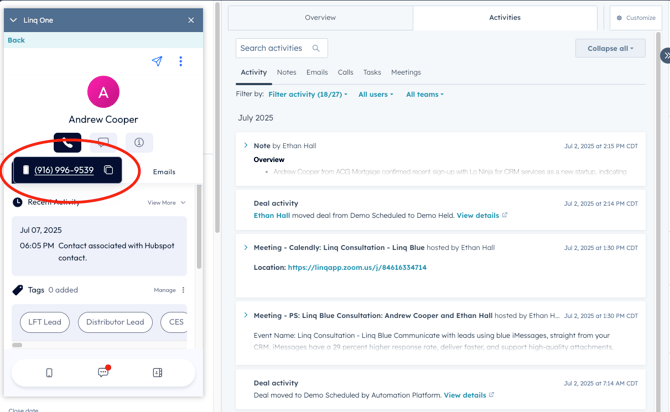
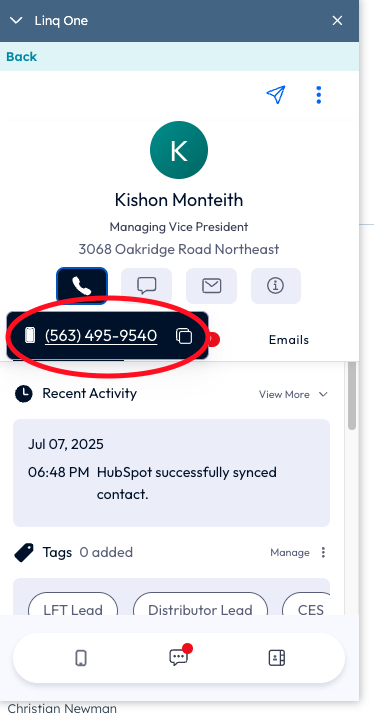
To make a phone call from a Contact’s page, navigate to a Contact page → click, “Call,” → click Contact’s phone number → login to Linq if prompted → click phone icon inside of Linq → click phone number of contact → call begins dialing out
-
You can also make phone calls from a deal page when a contact is tied to a deal. Go to deal → click on, “Call,” → login to Linq if prompted → click phone icon inside of Linq → click phone number of contact → call begins dialing out