
How to Remove the Linq Blue Integration from GoHighLevel (GHL)
If you no longer want to use the Linq Blue integration inside your GoHighLevel (GHL) account, you can uninstall it directly from the App Marketplace in your sub-account.
Note: Uninstalling the integration will remove Linq Blue from that GHL sub-account. It does not retroactively delete old messages or call activity already logged in GHL.
Steps to Uninstall Linq Blue from GHL
-
Open your GHL sub-account
-
Log in to GoHighLevel.
-
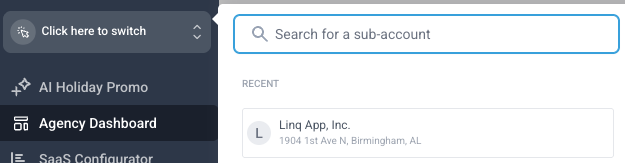
Switch into the sub-account where Linq Blue is installed.
-
-
Go to the App Marketplace
-
In the left-hand navigation, click App Marketplace.

-
-
Find the Linq Blue app
-
Scroll or search for Linq Blue in your list of installed apps.

-
-
Open the options menu
-
On the far right of the Linq Blue integration row, click the three dots (⋮) options menu.
-
-
Uninstall the integration
-
Click Uninstall.
-
Confirm any prompts to complete the removal.

-
Once uninstalled, Linq Blue will no longer appear as an active integration in that sub-account.