
The Reseller Partner Portal is your central hub for managing Linq Blue phone lines, billing, and performance across all of your clients.
⭐ What the Partner Portal Is For
The portal is designed to help you:
-
Manage all of your Linq Blue phone lines in one place
-
Organize lines by client, team, or campaign
-
Understand usage and performance with clear analytics
-
See exactly what you’re being billed for and when
-
Keep your account info and payment methods up to date
-
Know where to go when you need help
Think of it as your command center for everything related to your reseller account.
📞 Dashboard
What it does
-
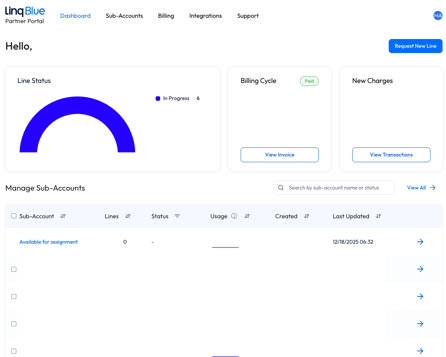
Shows all of your active Linq Blue phone lines
-
Indicates whether lines are active or may need attention
-
Lets you see how many lines are assigned to clients vs still available
What you can do
-
Request new phone lines
-
Request to move or remove existing lines (depending on configuration)
-
Monitor line status so you can act quickly if something looks off
📁 Sub-Accounts & Available Lines
What it does
-
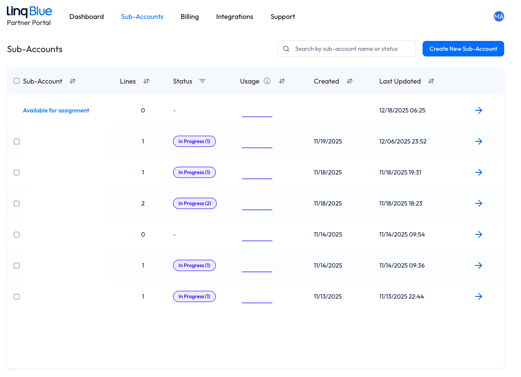
Lets you group lines by client, department, or use case
-
Gives each client (or group) its own “sub-account” for cleaner organization
-
Shows any unassigned lines in an “available” pool
What you can do
-
Create and name sub-accounts for each client or brand
-
Assign phone lines into the correct sub-account
-
Keep billing and analytics clearly separated by client
💳 Billing & Invoices
What it does
-
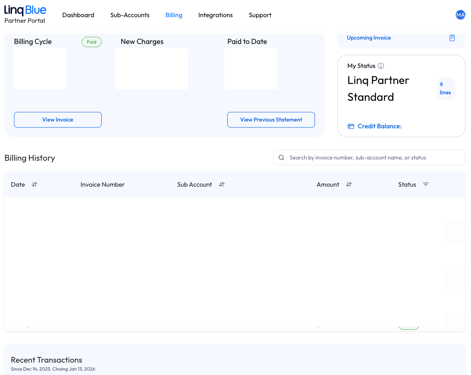
Shows your current billing cycle, plan, pricing structure, and any new charges
-
Lists all past invoices and payment history
-
Gives you a preview of your next invoice
- Displays how many lines or "seats" you're using
- Shows any account credits that may reduce future charges
What you can do
-
Review current charges before the billing date
-
Download past invoices for your records or accounting
-
See how many lines you’re paying for and how they’re grouped
-
Update your payment method (cards, etc.) as needed
-
Confirm which plan you're on
- See how many active lines are included
- Understand how credits apply to future invoices
📊 Analytics & Performance
What it does
-
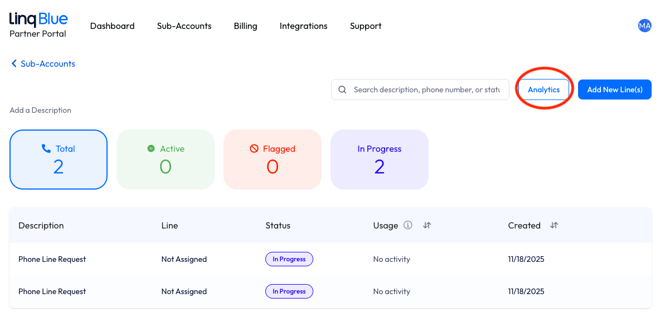
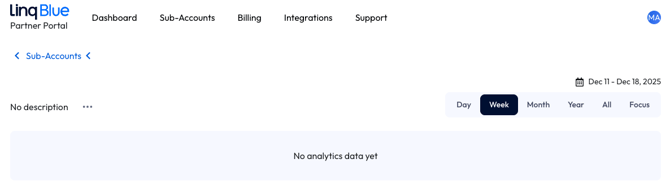
Summarizes how your lines are being used over time
-
Highlights message volume and engagement across your account
-
Helps you understand whether your outreach is getting replies
What you can see
-
Total messages over a selected time range
-
New conversations vs. conversations that received a reply
-
Response rate trends
-
High-level indicators that can suggest when something needs attention
👤 Account & Payment Methods
 What it does
-
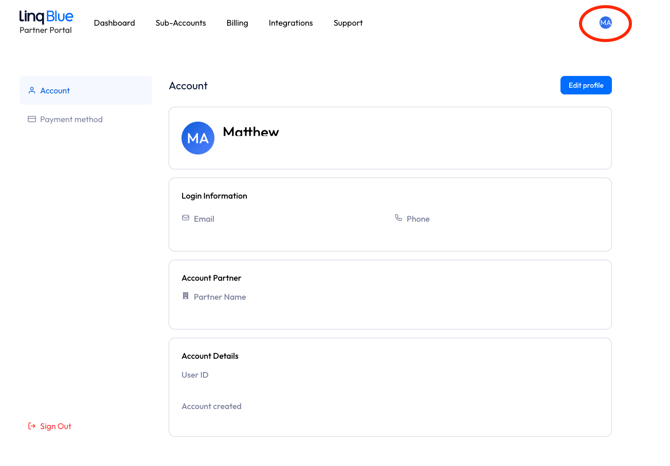
Stores your login and account contact details
-
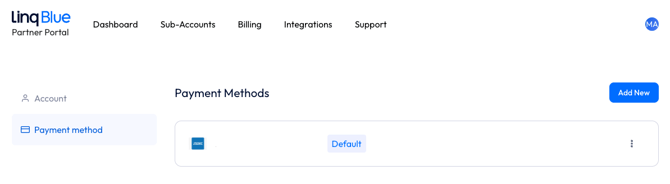
Stores the payment methods used for your subscription
What you can do
-
Update your contact information
-
Add or update credit cards
-
Set your default payment method
🛟 Getting Help

If you need help with the Partner Portal, you can:
-
Reach out to Linq Support via email
-
Visit the Linq Help Center for step-by-step guides and FAQs
-
Use your usual Linq contact (Support, Success, or your Partner Manager) for more complex questions