
GHL Workflows SOP
What is it?
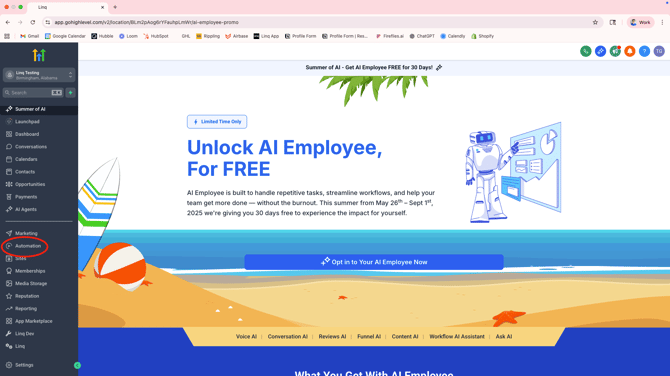
- Workflows are automations in GHL. Companies use these to automate internal processes and outbound responses to customers.
Why it Matters
Most customers are using Linq Blue to integrate with their workflows
- A well-optimized Linq Blue workflow should:
- Increase Response Rate
- Improve show rate, conversion, etc.
- Set them apart from competition
- Illuminate activation moment
- Grow customer affinity and revenue
- All with a hands-off, automatic approach
Terms to Know
Triggers
- The event or condition that starts a workflow. (“When this happens, do this”)
- A workflow can have one or multiple triggers.
- Watch for events in real time or based on scheduled conditions.
- Once the condition is met, the contact (or lead, opportunity, etc.) enters the workflow.
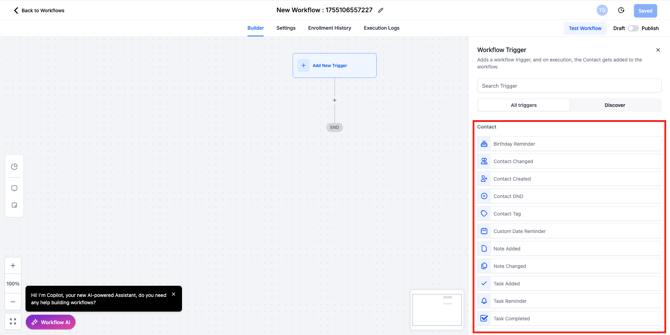
- Most common
- Contact Created
- New contact added to GHL
- Could be from form fill, Linq App, manual, etc.
- New contact added to GHL
- Contact Tag
- Categorize contact types
- Real Estate example
- Buyer
- Seller
- 500k+
- 300k+
- Real Estate example
- Categorize contact types
- Form Submitted
- TikTok
- Contact Created
Action
- What the workflow does once it has been triggered. (“When this happens, do this”)
- Execute in the order you set them.
- Unlimited actions in a workflow.
- Can communicate with the contact, update data, or interact with other systems.
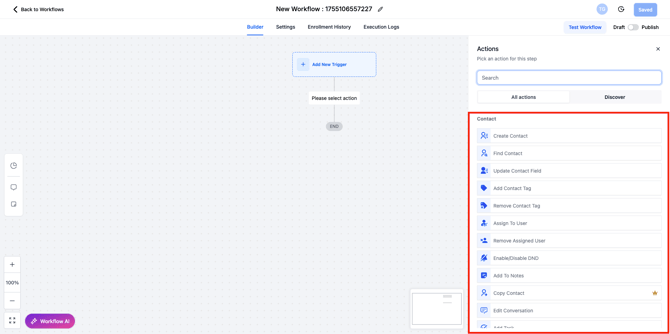
- Most common
- Add contact tag
- Automatically adds tag to contact
- Ex. Form fill on Facebook ad targeted towards people wanting to sell their home
- Automatically tags as “Seller”
- Ex. Form fill on Facebook ad targeted towards people wanting to sell their home
- Automatically adds tag to contact
- Assign to user
- Ex. Enters into salesperson’s queue
- Send SMS
- Uses LeadConnector number to send SMS
- Send Internal Notification
- Ex. Notify salesperson a new lead has entered the pipeline
- If / Else
- Ex. “If recipient replies ‘Yes,’ send Message A,” “If recipient replies ‘No,’ send Message B”
- Wait
- Ex. wait 30 minutes before Send SMS #2
- Add contact tag
Use Cases
Default Messaging Provider
- If Linq Blue is set as the primary provider:
- All outbound messages with automatically be Linq Blue (even if it says SMS)
- Don’t have to change workflows or select “iMessage” when sending manual texts
- Turnkey for Workflows
- Client doesn’t have to learn new processes or actions
- Cannot use SMS anymore unless they change Linq Blue back to secondary provider
- If Linq Blue is set as secondary provider
- Will have to use our custom actions to send messages with Linq Blue number
- Will still be able to use SMS number
- Have to ensure all messages (workflows and manual) follow best practices
- Can create fringe cases
Our Actions
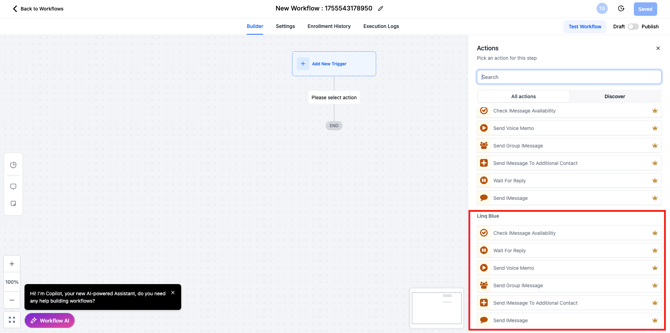
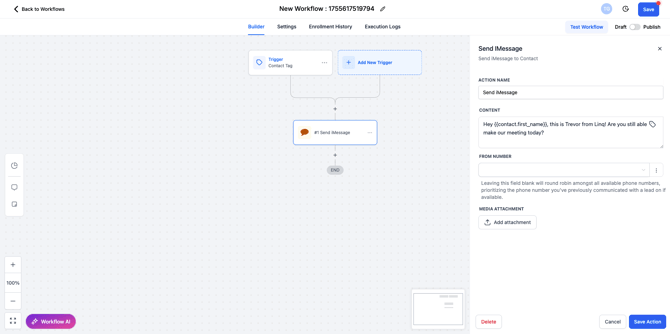
- Send iMessage
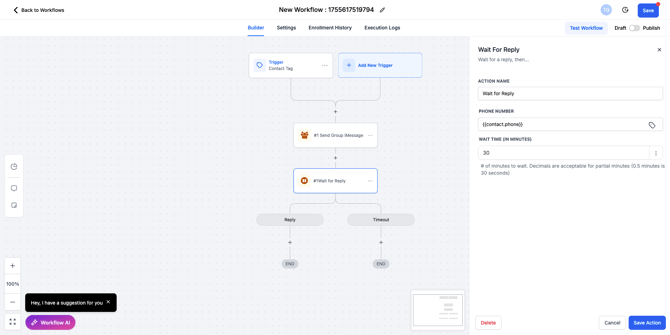
- Wait for reply
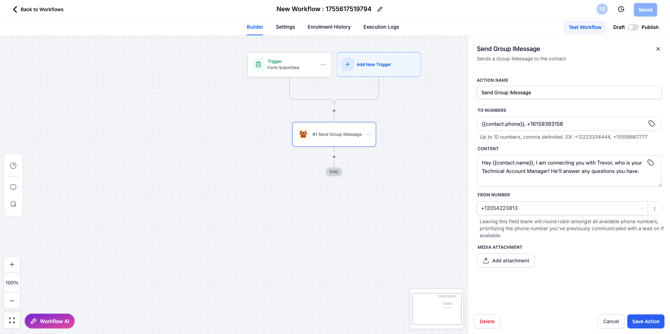
- Send Group iMessage
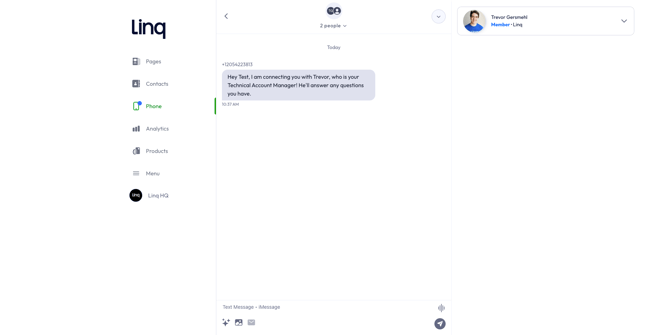
- How group message looks in Linq App
- Check iMessage Availability
- 50+ new conversations per day limit
%20(2).png?width=670&height=540&name=image%20(1)%20(2).png)