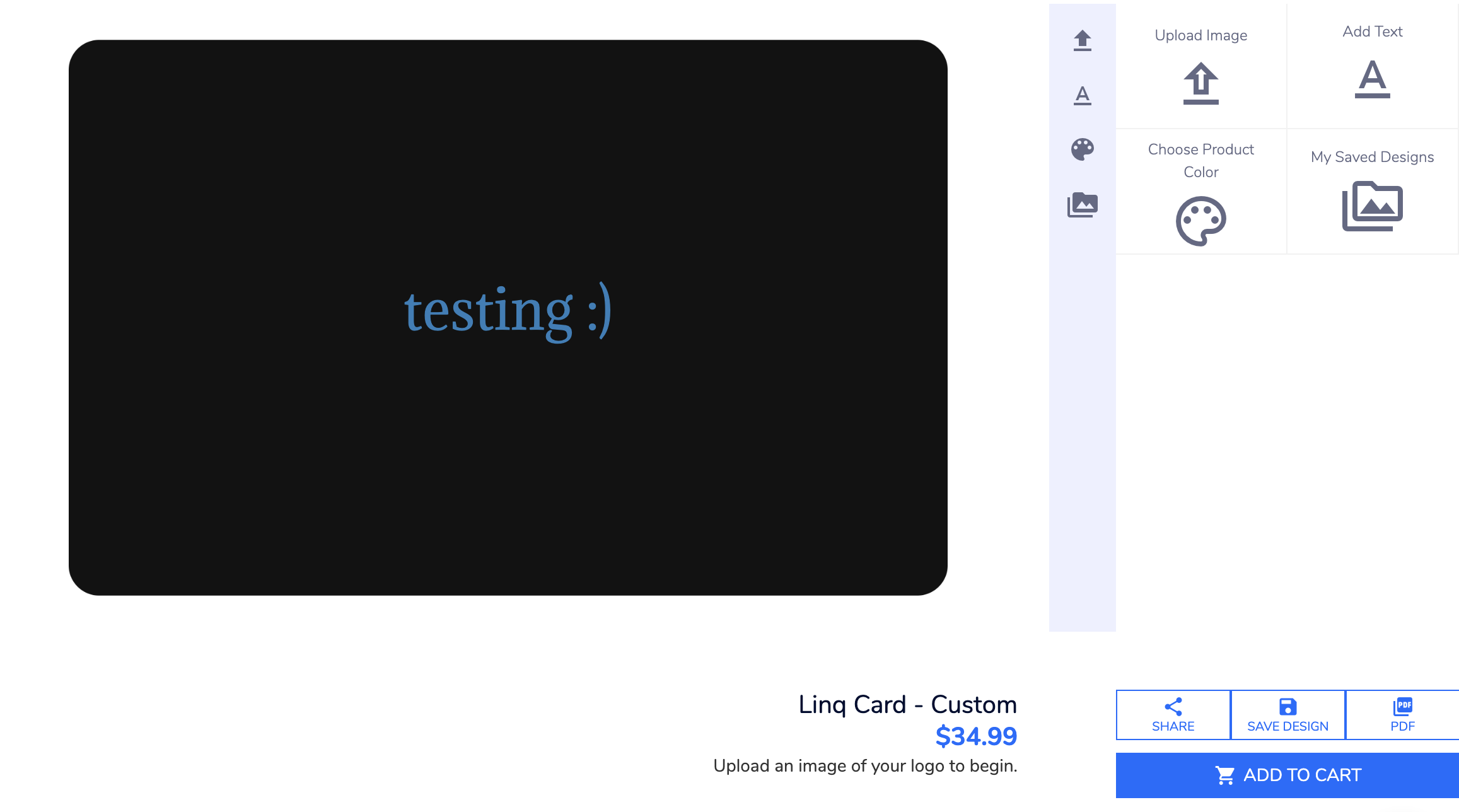
Here is how you can buy a custom product:
**Note* Only front-of-card customization is available. We cannot customize the back**
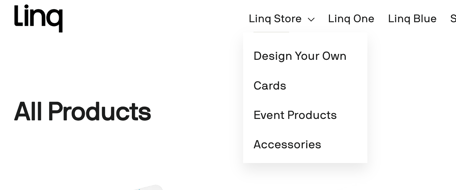
1. Go to buy.linqapp.com and open the store.
2. Select the Make your Own option and choose any product labeled CUSTOM — these are the ones that can be personalized.
3. Open the product page for the custom item you want.
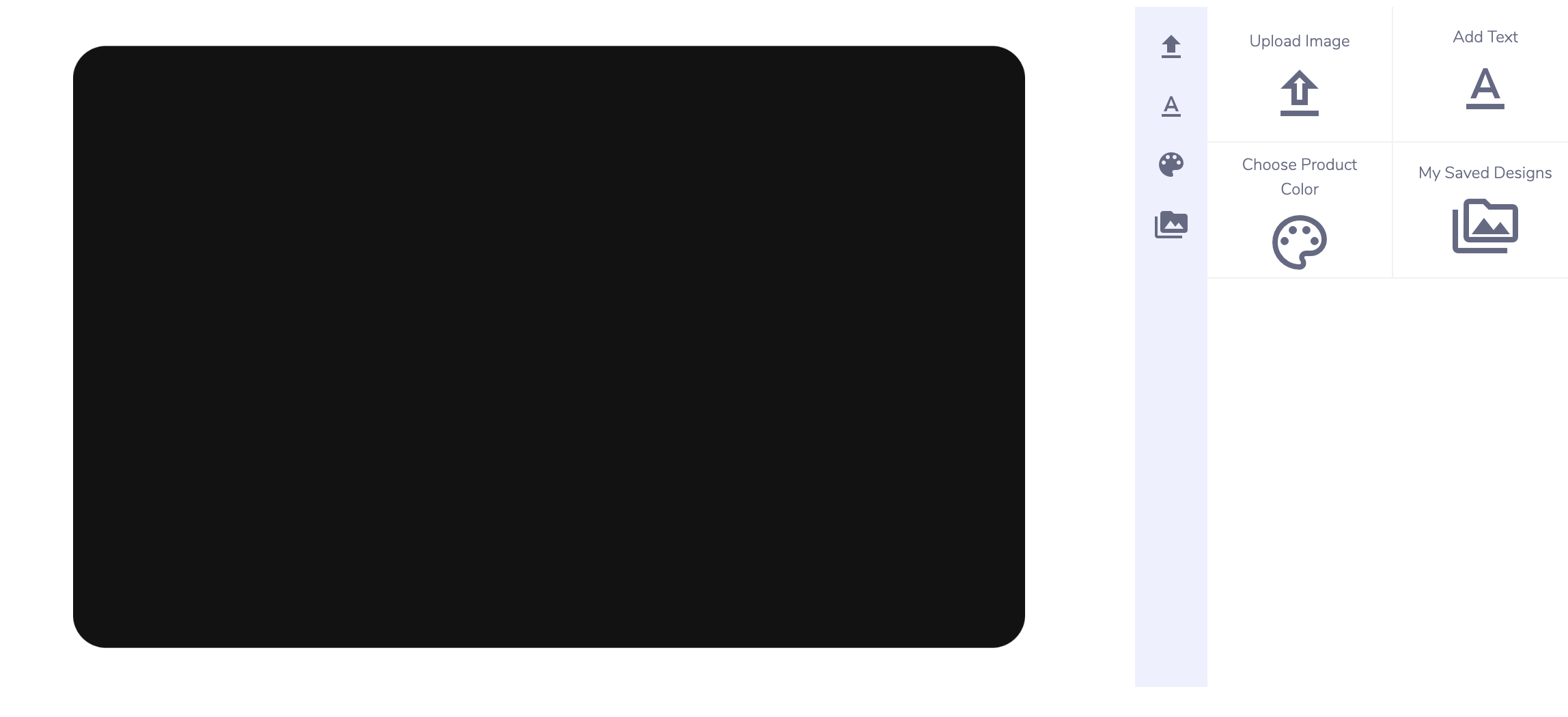
4. Click ADD YOUR DESIGN to launch the online designer.

5. Upload your own file or use the design tools to customize your card.
6. When you’re finished, click Add to Cart and proceed to checkout.